




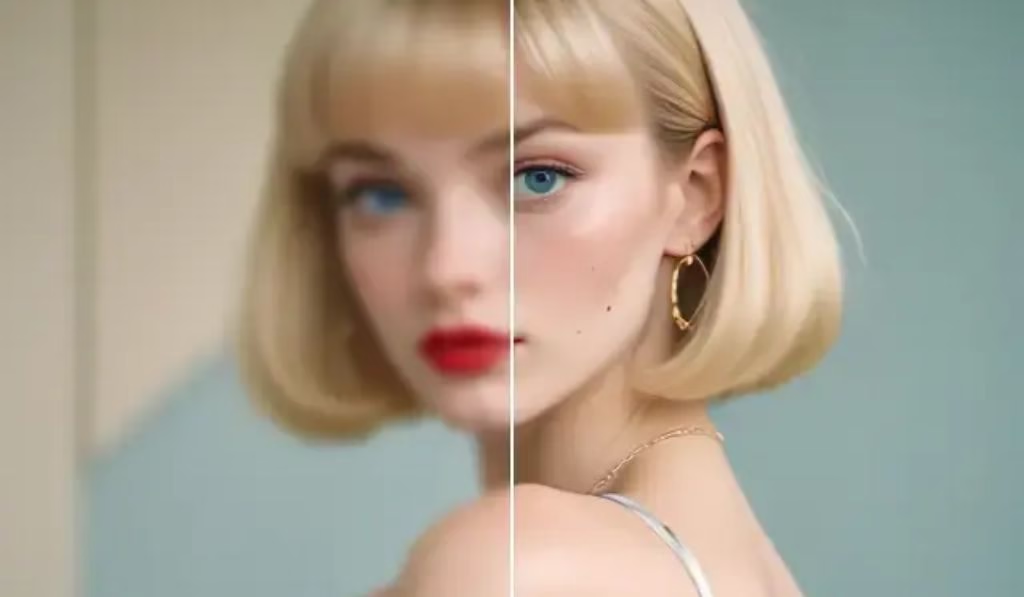
Do you get sick of pixelated and blurry images that look horrible on large screens or in print? ImgLarger.com is an AI-powered image upscaler and photo enhancer tool that claims to scale images up to 800 percent in size without affecting quality.
This in-depth review covers its tools, pricing, actual performance, and how it compares with other AI image upscalers in 2026.
What Is ImgLarger.com?
ImgLarger, also known as AI Image Enlarger, is a web-based application that upscales images using deep learning and super-resolution AI algorithms. It is not just an upscaler, it is a complete suite of 14 AI-based photo tools designed for photographers, designers, content creators, and e-commerce sellers.
No Photoshop, no software installations, and no technical knowledge required. Everything runs in your browser on Windows, Mac, iOS, and Android.
Key Features of ImgLarger.com at a Glance
| Feature | Details |
| Max Upscale | Up to 800% (8× original size) |
| Supported Formats | JPG, PNG, WebP, JPEG |
| Free Plan | 100 free credits/month |
| Batch Processing | Yes (Premium) |
| Max Output (Free) | 800px |
| Max Output (Premium) | 3000×3000px |
| Platform | Web, iOS, Android |
| File Size Limit | 5MB (free), higher on premium |
| Data Privacy | Files deleted within 24 hours |
The 14 AI Tools in ImgLarger
This is where ImgLarger stands out from most competitors. Instead of offering a single tool, it provides a complete editing package under one roof:
- AI Image Upscaler — Upscales images 200%, 400%, or 800% using super-resolution algorithms.
- AI Picture Enhancer — Improves image quality, sharpness, brightness, and color.
- AI Image Enlarger — Focuses on clarity and vividness in enlarged images.
- AI Image Sharpener — Sharpens blurry and out-of-focus photos in seconds.
- AI Picture Upscaler — A dedicated upscaler built for anime-style images and drawings.
- Background Remover — Removes backgrounds with pixel-perfect accuracy.
- AI Object Remover — Removes watermarks, logos, stickers, and unwanted objects.
- AI Photo Restoration — Repairs old, damaged, or degraded photos.
- AI Uncrop — Expands image boundaries without altering the existing content.
- AI Colorizer — Automatically colorizes black and white pictures.
- Noise Reducer — Minimizes grain and digital noise in low-light shots.
- Image Converter — Converts between JPG, PNG, WebP, and JPEG formats.
- Image Editor — Crop, flip, rotate, adjust brightness, contrast, filters, and more.
- Batch Resizer — Resize hundreds of images at once, ideal for e-commerce and websites.
How to Use ImgLarger.com: Step-by-Step
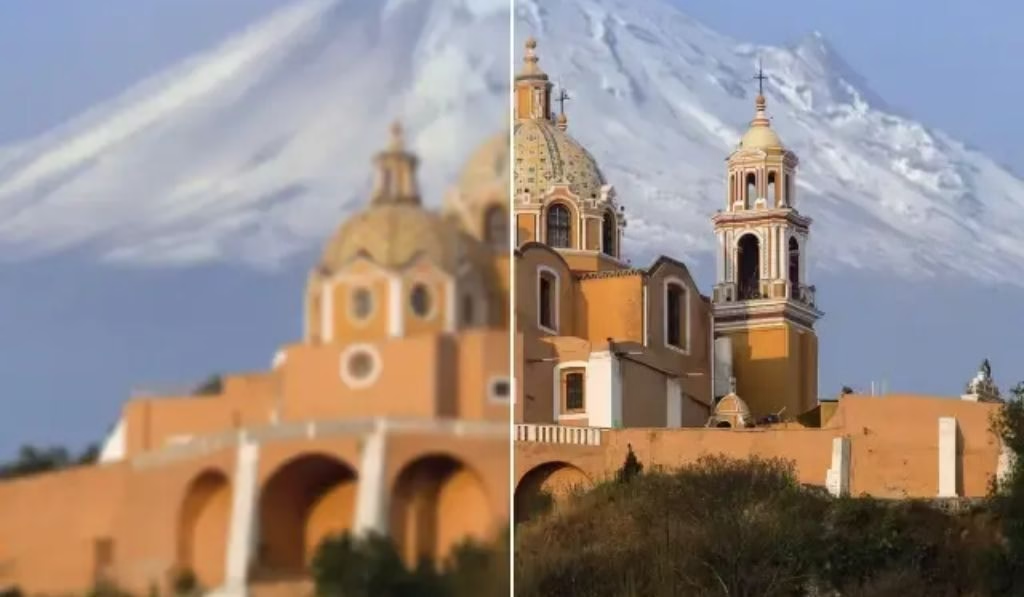
Getting started is simple, even for total beginners.
Step 1: Go to the Website Visit imglarger.com and create a free account. Free users receive 100 credits per month, which is far more generous than most competitors.
Step 2: Select Your Tool Choose the tool that fits your need. The AI Image Upscaler is where most users start.
Step 3: Upload Your Image Drag and drop your JPG or PNG file. Free users can upload images up to 800px wide, while premium users can go up to 3000×3000px.
Step 4: Choose the Upscale Level Select 200%, 400%, or 800% on supported plans. The higher the percentage, the larger the output file.
Step 5: Preview and Edit Before downloading, preview the result and make optional edits like adding text, cropping, or applying filters directly in the browser.
Step 6: Save Your Image Click download and save your enhanced photo. No watermarks are added to processed files.
ImgLarger Free vs. Premium: Which Plan Is Right for You?
| Plan | Price | Credits | Max Size | Batch |
| Free | $0/month | 100/month | 800px | ✗ |
| Basic | Starting ~$3.99/month | More credits | 3000×3000px | ✓ |
| Pro | Higher tier | Unlimited | 3000×3000px | ✓ (unlimited) |
The free plan works well for casual use. One reviewer comparing 8 AI upscalers named ImgLarger the best free option simply because it offers 100 credits per month, compared to tools that offer only 2 or 3 free uses.
ImgLarger vs. Top Competitors (2026)
| Tool | Max Upscale | Free Credits | Watermark-Free | Batch |
| ImgLarger | 800% | 100/month | ✓ | ✓ (paid) |
| ImgUpscaler.ai | 16K output | No login needed | ✓ | ✓ (3/task) |
| Let’s Enhance | High quality | 10/month | ✗ (watermark) | ✓ (paid) |
| Canva Upscaler | 8× | Included | ✓ | ✗ (complex UX) |
| Gigapixel AI | Very high | Trial only | ✓ | ✓ |
Final Verdict: ImgLarger wins on free plan generosity and ease of use. Canva offers slightly better quality but involves more steps. Let’s Enhance watermarks free outputs, which is a dealbreaker for many users.
Who Should Use ImgLarger.com?
ImgLarger works well for a wide range of users:
- E-commerce sellers who need clear product images for Amazon, Shopify, or Etsy.
- Photographers and designers who want print-ready images without Photoshop.
- Social media creators who need high-quality visuals for Instagram, Pinterest, or YouTube thumbnails.
- AI art users working with Midjourney, DALL-E, or Stable Diffusion who want to upscale generated images to large formats.
- Bloggers and website owners who want crisp graphics that load quickly.
- Anime fans and digital artists who benefit from the dedicated anime upscaling engine.
What Real Customers Are Saying
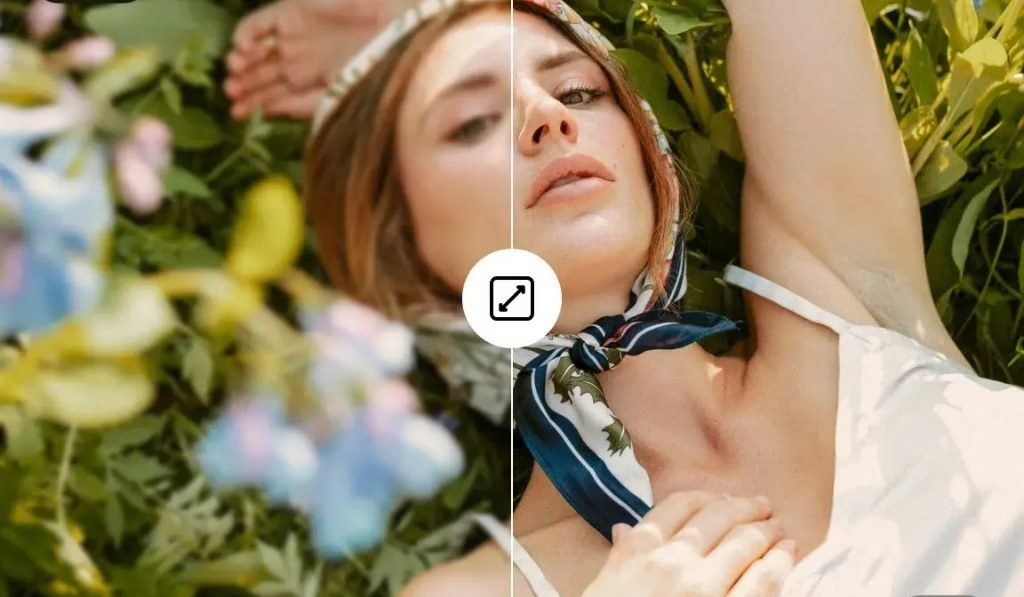
User reviews on Trustpilot and G2 are mostly positive, with a few valid criticisms.
Positive highlights:
- Easy to use, and upscaled images look significantly better than the original low-resolution versions.
- 100 free credits is a major advantage over tools that offer only two or three free uses.
- “The AI Uncrop tool is great. I love the existing design and capabilities.”
Notable criticisms:
- Some users reported reliability issues with the upscaler in late 2024, though updates have since resolved them.
- The 800px output limit for free users may not be enough for print purposes.
- The UI feels slightly inconsistent from tool to tool.
Conclusion and Personal Experience
After testing ImgLarger on portrait photos, product images, AI-generated art, and scanned documents, the results were consistently solid. It may not produce the absolute sharpest output of any tool on the market, but nothing comes close to it in terms of free use and convenience.
The 100 free monthly credits is a real differentiator. Most tools either charge right away or add watermarks to your images. ImgLarger gives you clean, downloadable files from day one, which matters a lot when you are upscaling Midjourney art or improving product photos.
The AI Anime Upscaler is an underrated gem, handling fine linework better than generic upscalers. The AI Uncrop tool also impressed, especially for portrait restoration use cases.
If you need professional, print-grade upscaling at very large sizes, you might combine ImgLarger with a specialized tool like Topaz Gigapixel AI. But for 90 percent of everyday users, ImgLarger is more than enough.
Frequently Asked Questions (FAQs)
Is ImgLarger.com free to use? Yes. ImgLarger offers a free plan with 100 credits per month and no credit card required. Premium plans with more credits and larger output sizes start at around $3.99/month.
Does ImgLarger watermark free images? No. Unlike many competitors, ImgLarger does not add watermarks to processed images, even on the free plan.
What image formats does ImgLarger support? ImgLarger accepts JPG, PNG, WebP, and JPEG. It also converts between these formats.
How much can ImgLarger upscale an image? ImgLarger can upscale images by 200%, 400%, or up to 800%, depending on the tool and your plan.
Are my images safe on ImgLarger? Yes. All uploaded files are automatically deleted within 24 hours of processing and are never shared with third parties.
Can ImgLarger be used for AI-generated art like Midjourney? Absolutely. ImgLarger handles Midjourney, DALL-E, and Stable Diffusion outputs cleanly, without introducing artifacts.
Does ImgLarger support mobile? Yes. It has a mobile app called AI Enlarger available on iOS and Android, and the web platform is also mobile-friendly.
What is the difference between an AI Image Upscaler and AI Image Enlarger? The AI Image Upscaler focuses on smooth, natural-looking results. The AI Image Enlarger is designed for more vivid and sharper detail enhancement. Both support 200% to 400% scaling.