







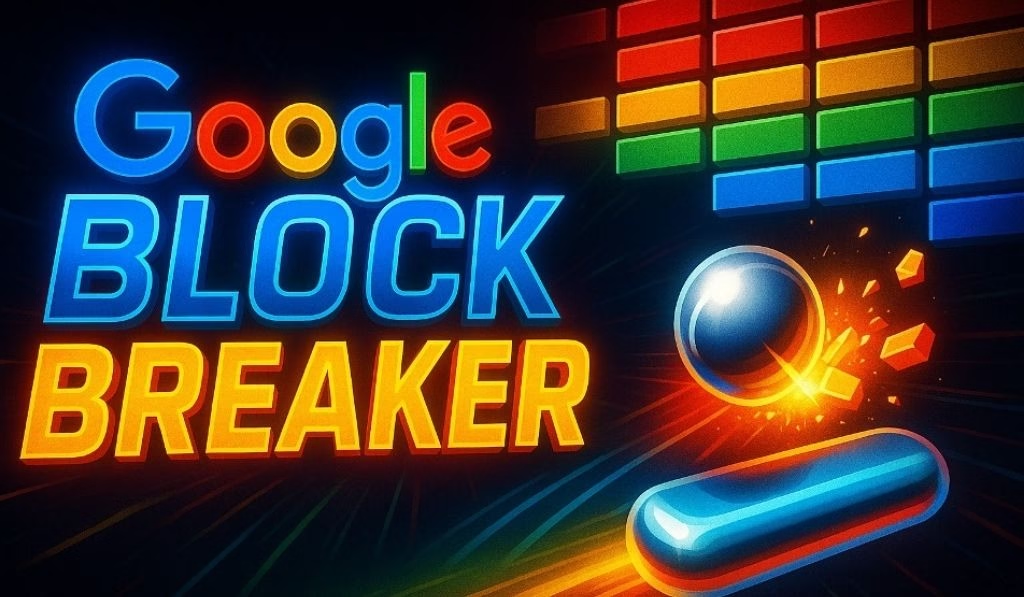
Google Block Breaker is a free arcade game in a browser that is buried deep within Google Search. It does not require a download or an account.
It was based on the 1976 legacy of Atari Breakout, and was officially released on Google’s main search page in January 2025, and soon after became the most-visited Google Easter egg of all time.
Whether you are killing five minutes or going for a high score, we have all the information on how to find it, how to play it, all the power-ups, and professional tips that will make the difference between the players at the top of the leaderboard and the players at the bottom.
| Detail | Info |
| Game Name | Google Breaker (Atari Breakout) |
| Genre | Brick-breaking arcade |
| Platform | Any contemporary internet browser (desktop and mobile) |
| First Appeared | 2013 (Google Images Easter egg), re-launched January 2025 |
| Cost | 100% free, no download, no login |
| Controls | Mouse, arrow keys, A/D keys or touch/swipe |
| Lives | 3 (hearts restore lives as power-ups) |
| Levels | Various levels, 150 and more on special websites such as blockbreaker.io |
| How to Access | Go to Google and type in Block Breaker and press Play |
What Is Google Block Breaker?
Google Block Breaker is a browser-based arcade game that appears in the search results of Google. You have a paddle on the bottom of the screen, you can bounce a ball upwards, and crash the colorful blocks placed on the top. Destroy all the blocks to reach the next level.
It is a modern day homage to the old Atari Breakout, rewritten with smooth HTML5 animation, touch controls, and power-ups that make it so much more than a mere nostalgic recreation.
The game incorporates the signature color scheme of Google, blue, red, yellow, and green, and gives you a satisfying crunching sound when you break each block. It is polished, clean, and immediately addictive.
The History of Google Block Breaker
It all began in May 2013, with a hidden Atari Breakout game being tucked within Google Images as a way of celebrating the 37th anniversary of the game.
Those users who typed “Atari Breakout” in the Image search engine saw their search results turn into a playable grid of bricks. It went viral overnight.
The Easter egg was quietly removed from Google Images around 2020 as part of a regular rotation of features. It continued to live in the archives of fans such as elgoog.im/breakout.
On January 23, 2025, however, Google released an official new and improved version called “Block Breaker” as part of the main search results page, with several stages, adjusted difficulty levels, and modern power-ups. There is still a nostalgia option and you can play the original 2013 version on elgooG.
How to Find and Start Google Block Breaker
It takes approximately 5 seconds to find the game. Here is how it works on any device:
On Desktop (Chrome, Firefox, Edge, and others)
Open your browser and go to Google.com. Type “Block Breaker” in the search engine and press Enter. At the top of the results, a large interactive game card will appear. Click Play and the game opens to fill your screen.
On Mobile (Android & iOS)
Open the Google app or your mobile browser. Search “Google Block Breaker” and press the game card when it comes up. Use touch controls, swipe left and right to move the paddle.
💡 Game Not Showing Up? Google periodically changes its special features. If the card is not available, you can try blockbreaker.io or elgoog.im/breakout as alternatives. Both are free and provide the full experience.
Google Block Breaker Controls: Complete Breakdown
| Device | Move Paddle | Launch Ball |
| Desktop (Mouse) | Move mouse left/right | Left-click |
| Desktop (Keyboard) | Arrow keys or A/D keys | Spacebar |
| Mobile / Tablet | Swipe or tap left/right | Tap screen |
Mouse control is the most accurate on the desktop. The keyboard is great when you want a retro arcade feel. On the phone, the swipe controls are responsive and well optimized. The game was clearly designed with touchscreens in mind.
Game Mechanics Explained
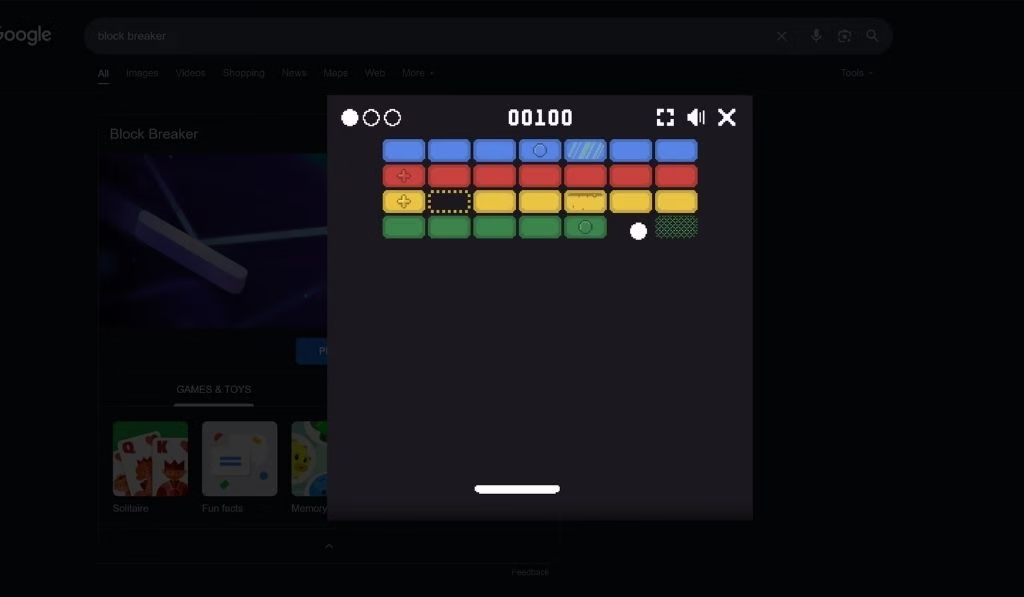
Google Block Breaker does not seem that complicated at first, but things get interesting once you start thinking about the physics.
Ball Angle Physics
The contact point of the ball on the paddle determines the angle it will bounce at. Hitting the ball with the center sends it straight up. Using the left or right side of the paddle creates sharp diagonal angles. This allows skilled players to target blocks that are difficult to reach.
Lives System
Each level begins with 3 lives. Missing the ball costs you one life. Lose all three and you restart the level. Your overall game progress is saved, so you do not lose your previous stages.
Block Types
Normal blocks require just one hit. Reinforced blocks require multiple hits, with cracks appearing over time. Unbreakable blocks cannot be destroyed, the ball simply bounces off them.
Scoring
The more blocks you break, the more points you earn. Breaking blocks consecutively builds a combo multiplier. Completing a level without losing a life earns bonus points. Your score counter sits quietly in the corner.
Every Google Block Breaker Power-Up
Broken blocks release power-ups that fall toward your paddle. Catching them activates temporary boosts. Here are all the power-ups you will come across:
| Power-Up | Effect | Priority |
| ❤️ Heart | Grants an extra life | ★★★★★ Always catch |
| 🏓 Wide Paddle | Temporarily widens the paddle | ★★★★☆ Very useful |
| 🎱 Multi-Ball | Spawns 2 to 3 extra balls | ★★★★☆ High score booster |
| 🐢 Slow Ball | Reduces ball speed | ★★★☆☆ Great on hard levels |
| 🔫 Laser | Shoot lasers that directly destroy blocks | ★★★☆☆ Situationally powerful |
| ⚡ Fast Ball | Speeds the ball up | ★★☆☆☆ Skip if possible |
Google Block Breaker Tips to Become an Expert
These tips will help you climb the leaderboard quickly.
- Always Control the Angle
Don’t just react, aim. Use the sides of your paddle to send the ball into groups of blocks. A sharp angle into a corner lets the ball bounce back and forth, shattering multiple blocks in a row with very little effort.
- Clear the Sides First
Breaking blocks on the left and right sides creates tunnels. When the ball gets into a side channel, it bounces back and forth, clearing whole columns on its own. This is the quickest way to rack up points on thick levels.
- Prioritize Heart Power-Ups
An extra life is always more valuable than a speed or width boost. When a heart drops, go for it. Running out of lives on a tough level is one of the most frustrating things in the game.
- Stay Calm as Speed Increases
The faster the ball moves, the more blocks you clear. This is not a bug, it is the game’s difficulty curve. Stay calm, keep your movements steady, and avoid panicking and swiping wildly on mobile or swinging the mouse all over the screen.
- Multi-Ball Means Maximum Points
When multi-ball activates, don’t chase individual balls. Keep the paddle centered and use smooth sweeping movements. You won’t save every ball and that is fine. Breaking blocks quickly earns far more points than being cautious.
- Study the Level Layout Before Launching
Take one second after each level loads to look at the block arrangement. Identify the unbreakable blocks, reinforced ones, and any gaps you can use. Planning ahead is always better than just reacting.
Read more: Mywaperu Explained: What It Is, How It Works & Why People Use It (2026)
Desktop vs Mobile Experience
| Feature | Desktop | Mobile |
| Screen Size | Larger, better visibility | Smaller, ideal for short sessions |
| Precision | Higher (mouse control) | Good (optimized touch) |
| Best For | Long sessions, high scores | Quick breaks on the go |
| Performance | Smooth on any modern browser | Smooth on Chrome and Safari mobile |
2013 Atari Breakout Easter Egg vs 2025 Block Breaker
A lot of people ask about the difference between the original Google Easter egg and the current game. Here is a clear side-by-side comparison:
| Feature | Atari Breakout 2013 (Google Images) | Block Breaker 2025 (Google Search) |
| Where to Find | Google Images (discontinued around 2020, available on elgooG) | Google Search, just type Block Breaker |
| Blocks | Search result image thumbnails | Colored blocks in Google’s brand colors |
| Levels | Single endless board | Multiple levels with increasing difficulty |
| Power-Ups | Basic | Lasers, multi-ball, wide paddle, hearts |
| Ball Speed Increase | Yes, as blocks clear | Yes, progressive difficulty |
| Dark Mode | Not available | Supported on some platforms |
Why Google Block Breaker Is So Addictive
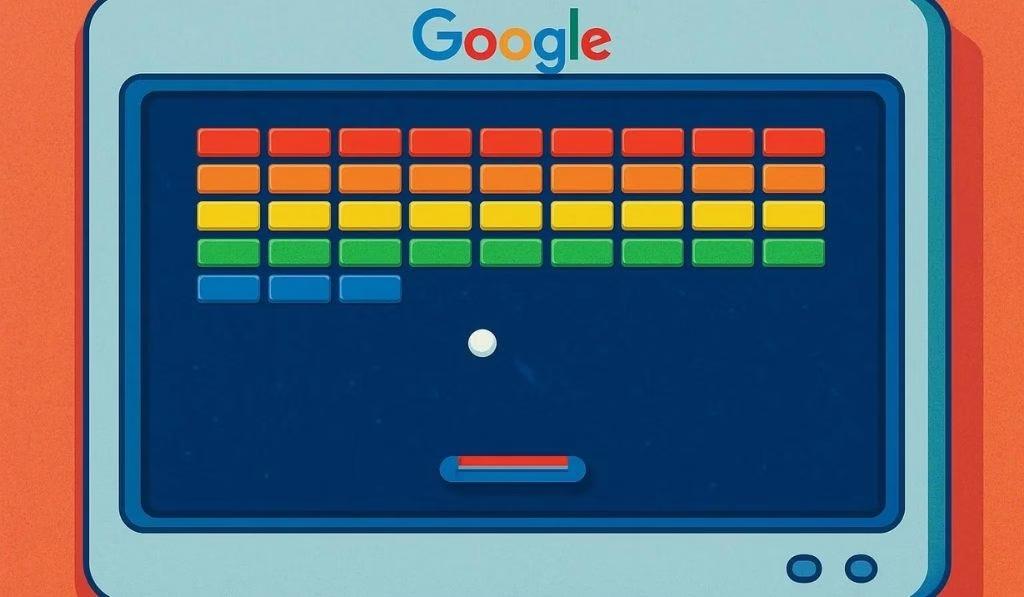
There is real psychology behind why this game is so hard to put down. The feedback loop is almost perfect. You move the paddle, the ball bounces immediately, and a block breaks with a satisfying crack. The brain loves this cycle.
The difficulty curve is also well done. Early levels are easy enough to build confidence. Later levels are hard enough to keep triggering that “one more try” feeling. It is the same design principle that has kept people entertained for decades.
And most importantly, it is not monetized. No ads, no live system, no power purchases. You just play. That kind of purity is rare in 2026, and Google Block Breaker is genuinely refreshing because of it.
Personal Experience
After spending time with Google Block Breaker on both desktop and mobile, one thing is clear: it gets the basics right. The gameplay is tight, the visuals are clean, and the difficulty is fair without being easy.
The standout feature is the multi-ball power-up. Watching three balls fly around with blocks cracking everywhere creates a satisfying chaos. On a desktop with a mouse, you feel fully in control. On mobile, it performs better than expected for a game of this genre.
If you have not tried it yet, go to Google and type in Block Breaker. You will lose at least 20 minutes, gladly.
Frequently Asked Questions
How do you play Google Block Breaker? Search “block breaker” on Google. A game card appears at the top of the results. Click Play and use your mouse, arrow keys, or A/D keys to move the paddle and bounce the ball into the blocks above.
Is Google Block Breaker free? Yes, completely free. No downloads, no account, no ads, no in-app purchases. Anyone with a browser and an internet connection can play it.
Why is Google Block Breaker not showing up in my search? Google rotates its special features, so the game card may not always appear. If it is not loading, try clearing your browser cache, switching browsers, or visiting blockbreaker.io or elgoog.im/breakout instead.
Can you play Google Block Breaker on mobile? Yes. The game is fully optimized for mobile. Search Block Breaker on your phone and tap the game card. Both swipe and tap controls work on Android and iOS.
What is the difference between Google Block Breaker and Atari Breakout? The 2013 Atari Breakout Easter egg used Google Images thumbnails as bricks and was found in Google Images. The 2025 Block Breaker is a standalone game in Google Search with multiple levels, modern power-ups, and colored Google-branded blocks. The 2013 version can still be found at elgoog.im/breakout.
Does Google Block Breaker save my progress? Yes. After completing a stage, you can return to it anytime from the level select screen. If you lose all lives on a level, you restart that level, but your overall progress is not lost.
What are the best power-ups in Google Block Breaker? The Heart (extra life) is the most valuable, never miss it. Multi-ball and Wide Paddle are the next best for clearing blocks quickly and scoring more points.
How many levels does Google Block Breaker have? The Google Search version has several levels with increasingly difficult layouts. Third-party versions like blockbreaker.io extend this to 150 intricately designed levels if you want a longer progression system.